The CRM that turns won deals into running projects.
Leads arrive on their own, follow-ups don’t slip, and AI agents do the busywork with your approval. When the deal is won, its project is created for you, in the same app, with the same client, team and sign-in.
Included with Projects and Documents on Business and above · Import your contacts from a spreadsheet in a minute
- Reply drafted by the Lead responder, approved by you
- Harborline TI project created in Projects, automatically
- Signed contract read and filed in Documents
Leads arrive on their own
Every lead becomes a contact, a deal and a “reply today” task for the right person. Put a form on your website with one line of code, or share its link.
- Website forms you can embed or share
- Facebook, Instagram and Google Forms leads through Zapier or Make
- CSV import that recognizes your columns and skips duplicates
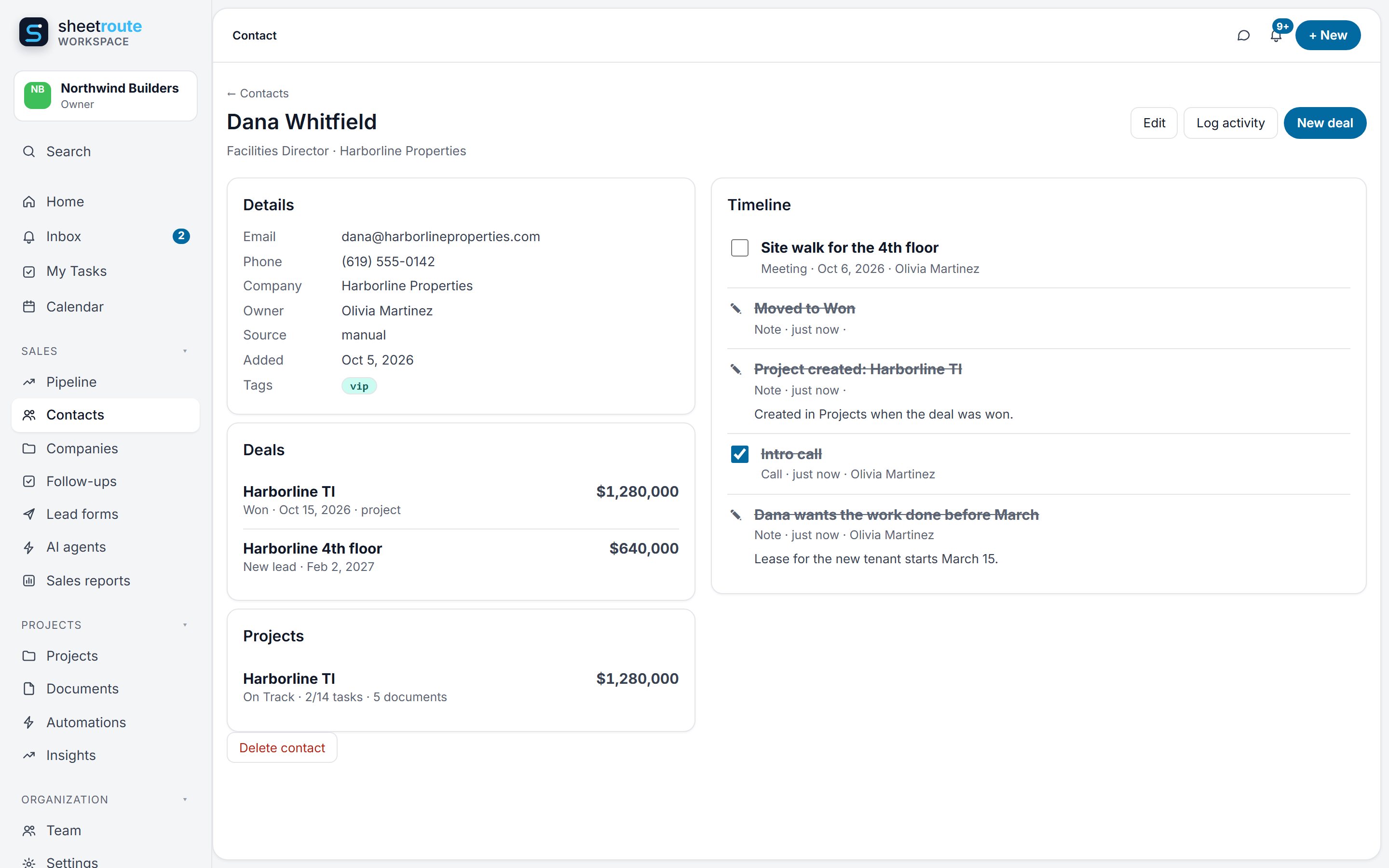
Every deal moving, nobody forgets to call back
Drag deals from New lead to Won. Each morning, everyone gets one email with their overdue and due-today follow-ups and the deals that need a decision.
- Stages you can rename and reorder to match how you sell
- Lost deals keep the reason, so you learn from them
- Calls, meetings, tasks and notes on every client’s timeline
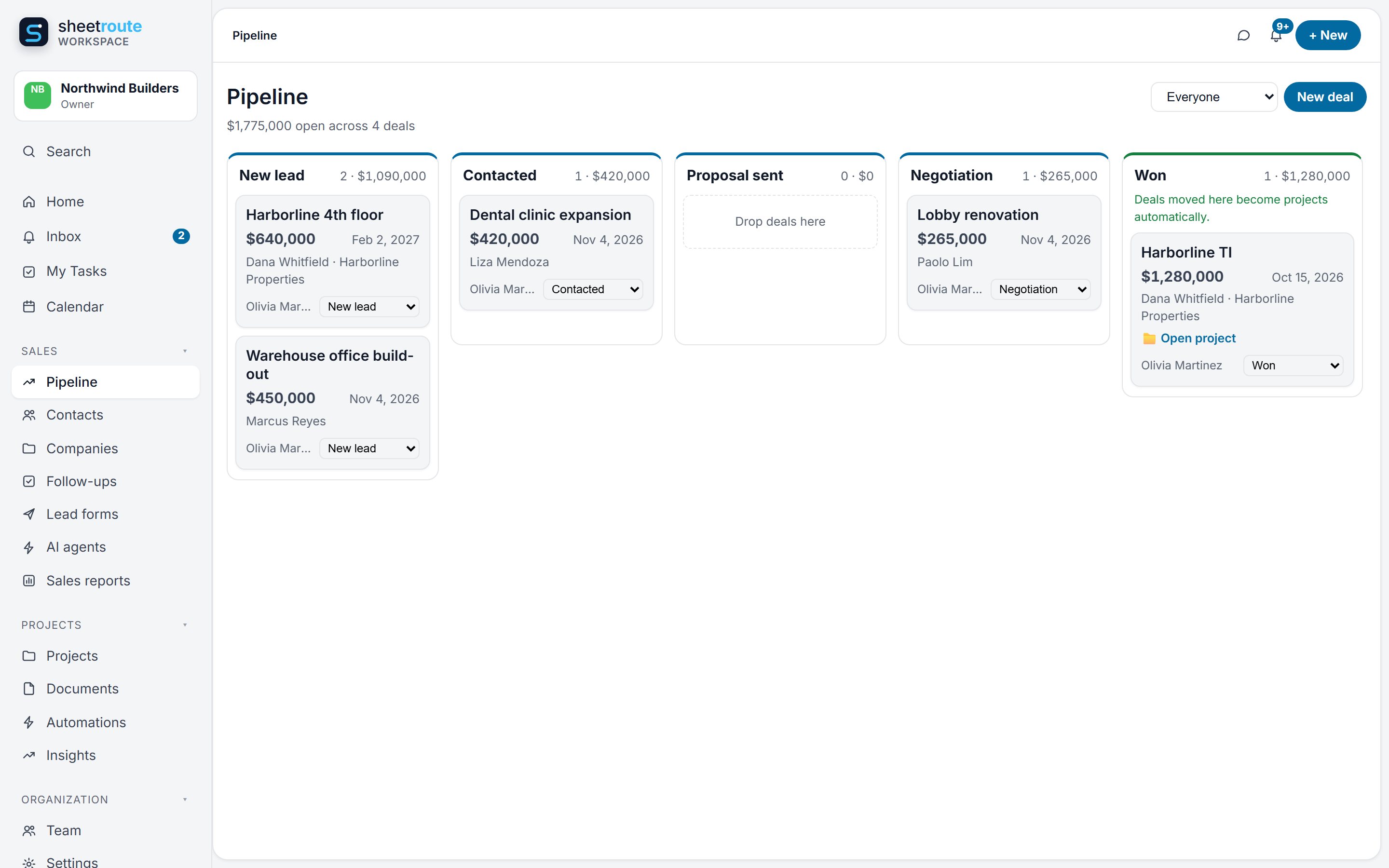
AI agents that ask before they act
Start from a template: a Lead responder that drafts the first reply, a Follow-up nudger for quiet deals, a Monday pipeline review, a Deal coach you can ask anything. Every step is logged.
- You choose each agent’s tools, trigger and instructions
- Suggest only, ask before acting, or act automatically
- Approve or reject each action; both are recorded
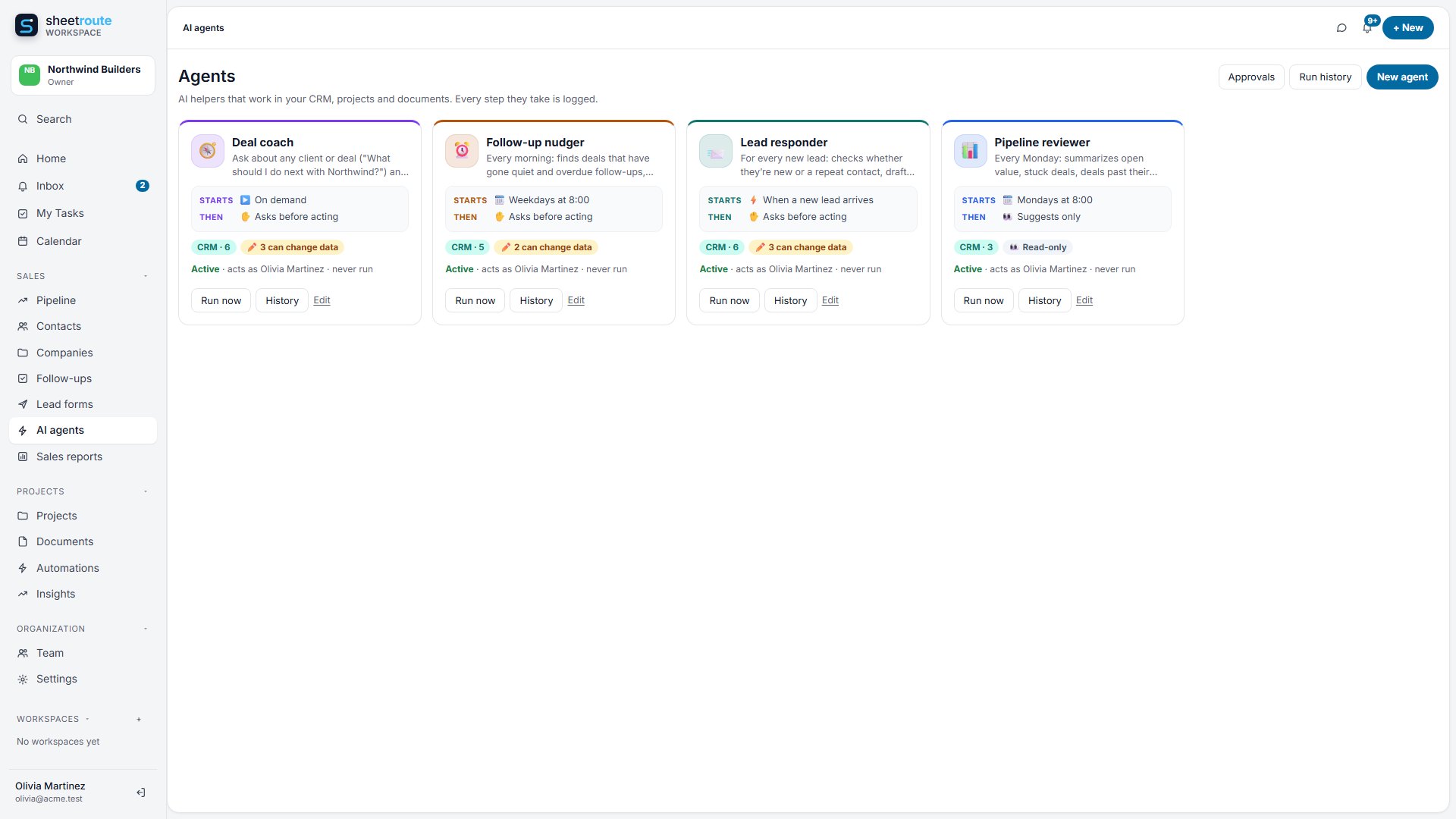
The start of the journey, not a separate tool
The CRM shares one organization, team and sign-in with Projects and Documents.
Won deal → project
Mark Harborline TI as Won and the project is created with Harborline Properties, the deal owner and the $1,280,000 value, linked to the proposal you uploaded.
Agents that see the whole client
Ask the Deal coach “What should I do next with Harborline?” It reads the CRM history and looks up their projects and documents before it answers.
The client’s projects, and the next job
Dana’s page lists every Harborline project with its status and documents. When a job is finished, you get a 30-day check-in and a repeat-work deal.
Good to know: Facebook and Instagram lead ads connect through Zapier or Make today; a direct “Connect Facebook” button is on the way. Gmail and Outlook email sync isn’t available yet.
Tell us what slows your team down
Leads slipping through, pay apps piling up, or no clear view of where each project stands? Send a few lines and we’ll reply within one business day with how SheetRoute would handle it.
Or email hello@projectonus-delivered.com.
Win the job. Run it. Get paid.
Start your free 14-day trial of CRM, Projects and Documents. Sign in with Google or Microsoft and put a lead form on your site today.